
How to Do Code Reviews with Google Antigravity, GitHub Copilot, and Chrome Extensions


Recently, I started seeing job ads looking for AI-first software engineers. The job market is changing and there is an AI hype. As usual, we, software developers, need to update our skills to fit the job market.
Thats why we need to learn how to use AI in development. However, we need to find the correct and safe uses of AI. If you have used LLMs during software development, probably you noticed they are not perfect, and sometimes they send you in the wrong direction and make you lose time, even though they’re meant to speed you up. We can still use LLMs like that but there are better options. I think that automating code reviews with LLMs could be a better candidate for that. In this post, I am going to share some ways of doing code review with LLMs.
Why is AI a good candidate for code reviews?
One concrete place AI already works well is code review.
AI can do code reviews very fast and it doesn’t get tired :) What do you feel when you see 30 files changed in a pull request? AI doesn’t feel that :)
AI can notice things that can slip from your eyes. Ex: A timeout change from 5000 to 50000 can easily be ignored by your eyes.
It can detect style and convention issues better than human eyes.
It can detect API misuse and suggest better ones.
Now let’s see how we could use some tools in the market for automating code reviews. Let’s start with Google Antigravity.
Code Review with Google Antigravity
Google Antigravity is based on VS code. So it’s not very Android development friendly, but you can still open your project in it and use it. I also installed some extensions for Kotlin. The good part about Google Antigravity is that it has agents. This makes our job easier.
Suppose a PR (pull request) is created where target branch of PR is develop and current branch is feature. Now enter a prompt:
Current branch feature, target branch is develop. All branches have the latest code already. Make a code review.Don’t summarize what’s done in the pull request.
Review this Pull Request as a Senior Staff Engineer. Focus strictly on:
1. Architecture & Patterns: Are we using the right design patterns?
2. Idiomatic Code: Is this ‘Kotlin-way’ or just translated Java?
3. Scalability & Maintenance: Will this code be a pain to change in 6 months?
4. Bugs/Crashes
5. Logic errors
Then it start using Git to create a diff between two branches and then will analyze the changes.
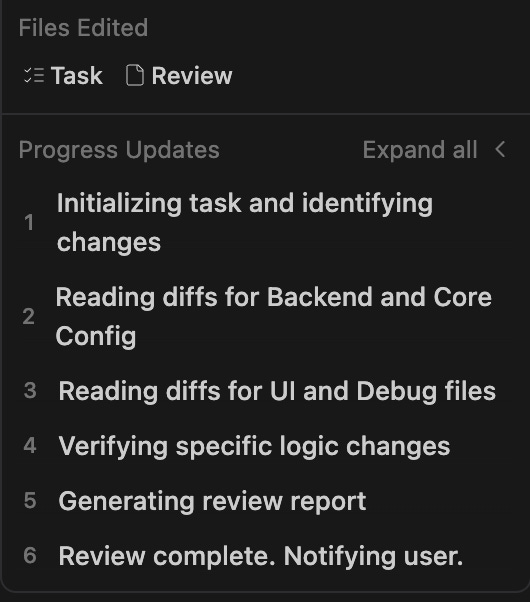
It will also use the latest status of the code. If the agent requires running a command such as git commands, it asks for permission. That’s pretty cool. After the analysis, it generates a report of the code review.
Code Review with Github Copilot
There are multiple options for Github Copilot.
1. With GitHub Copilot as a Reviewer
If your repo is on Github, then you can select Github Copilot as a reviewer:
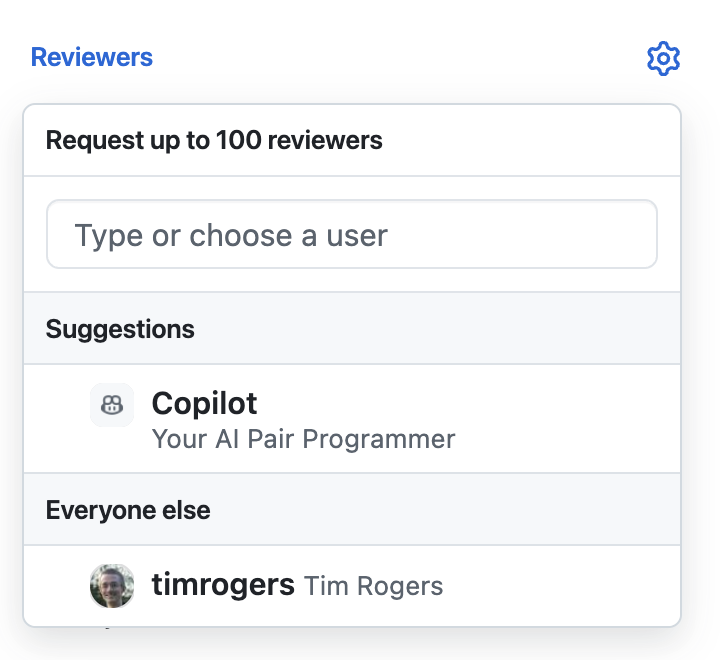
Then it will provide comments on Github Pull Request similar to other contributors.
2. With Github Copilot Plugin on IDE
I am using Android Studio Github Copilot Plugin. There are two options for code reviews. The first one is the “Review Code Changes” option on the commit screen.

Uncommitted changes will be reviewed and comments will be displayed directly in IDE editor. Drawback of this option is that it works only on uncommitted changes. If you want to review a PR this way, you’d need to recreate the changes locally as uncommitted changes (for example by checking out a new branch and resetting it. It is not ideal and just a work around.
The second option is to provide a diff file to Github Copilot and ask for a review using Github Copilot chat.
Run “git diff origin/develop...feature > diff.patch” , which will create a diff file between your target branch and PR branch.
Then, in Copilot Chat, provide
diff.patchas a context file and use a prompt like:Using the diff file make a code review. Don’t summarize whats done in the pull request. Just report issues. Review this diff as a Senior Staff Engineer. Focus strictly on:
1. Architecture & Patterns: Are we using the right design patterns?
2. Idiomatic Code: Is this ‘Kotlin-way’ or just translated Java?
3. Scalability & Maintenance: Will this code be a pain to change in 6 months?
4. Bugs/Crashes
5. Logic errors
Then it will analyze the diff file and will provide code review comments in the chat.
3. With Chrome Extensions
I found two Chrome extensions which work on Github and Gitlab. They only run on the github.com and gitlab.com domains. If you have an enterprise Github or Gitlab without these domains, you need to modify the source code but it is easy to fix it. Options are:
https://github.com/sturdy-dev/codereview.gpt
This one is using ChatGPT with your API token. You navigate to your repo on Chrome. Then click the plugin icon and do the pull request review.
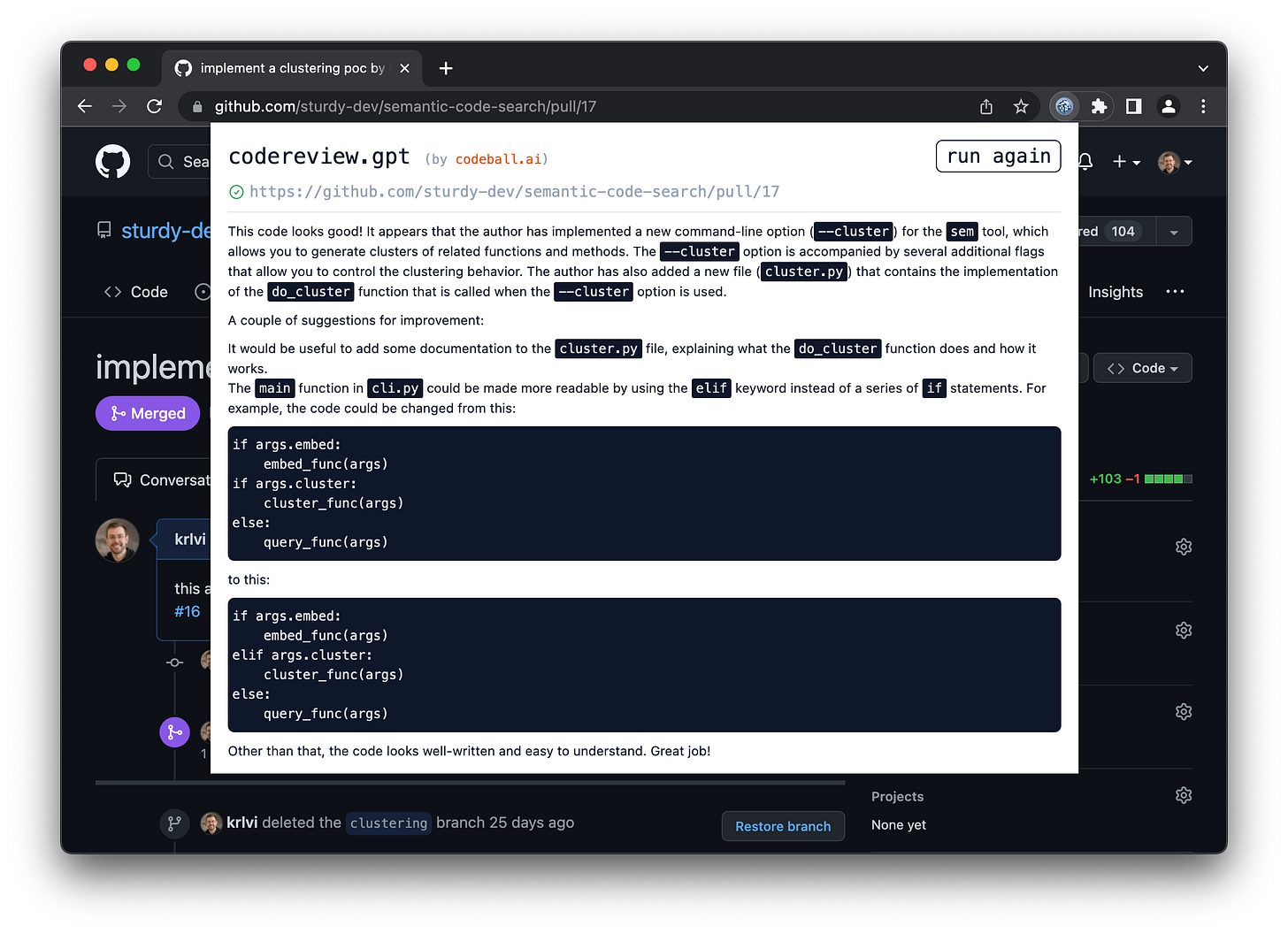
https://github.com/limingchina/codereview.ollama
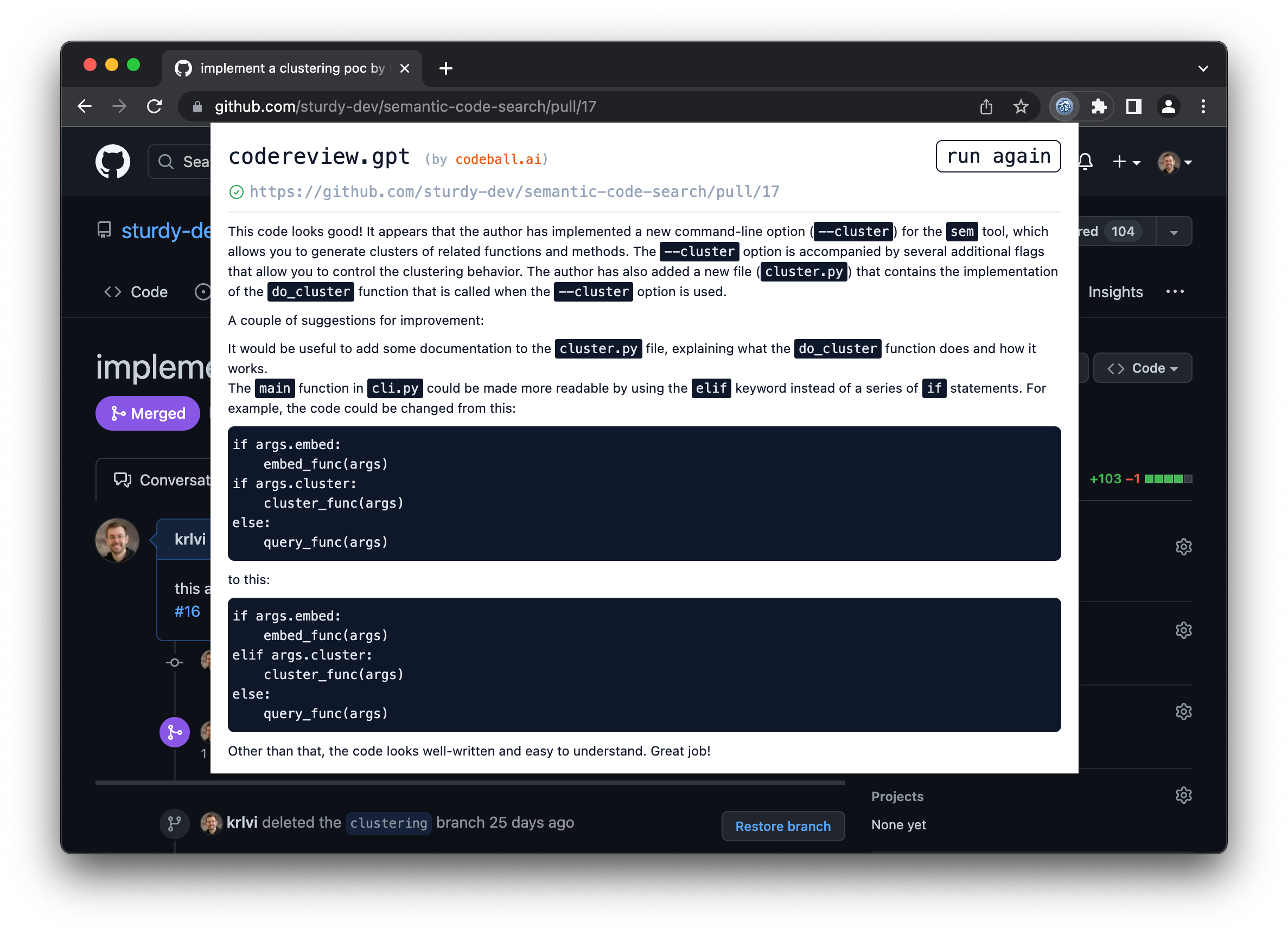
This one is a fork of the previous Chrome extension. This one is using Ollama/LM studio instead of ChatGPT. I used LM Studio and loaded LLMs that could work on my laptop such as DeepSeek. You need to configure the LM studio and start your server using these instructions. The advantage of this option is that it uses locally running LLMs. If you have privacy concerns and don’t want to share your code with ChatGPT or Google, then you could use this option. Drawback is that locally running LLMs are not very powerful. If you have powerful servers where you can host stronger LLMs, that will work even better.
Conclusion
As you can see, code reviews can be done quite easily with AI and I think it is a very good use case for AI in software development. If you have LLMs loaded on your own servers, you could also create some agents to automate code reviews on your CI/CD. Hope this post helps you. Please share your favourite AI uses in software development in the comments.
Keep reading with a 7-day free trial
Subscribe to Android Devs Substack to keep reading this post and get 7 days of free access to the full post archives.